
AXSOR makes life easier
AXSOR is designed as a control system for managing keys, aiming to save time for your primary business activities.

Less work, more control.
- Do you find it stressfull to keep track of all your keys?
- Have you hired help that manually maintain keys?
- Do you wish that you could easily monitor them?
Don’t waste your time and resources. You deserve the best solution for your operation. Keep track of your keys digitally!
Great advantages
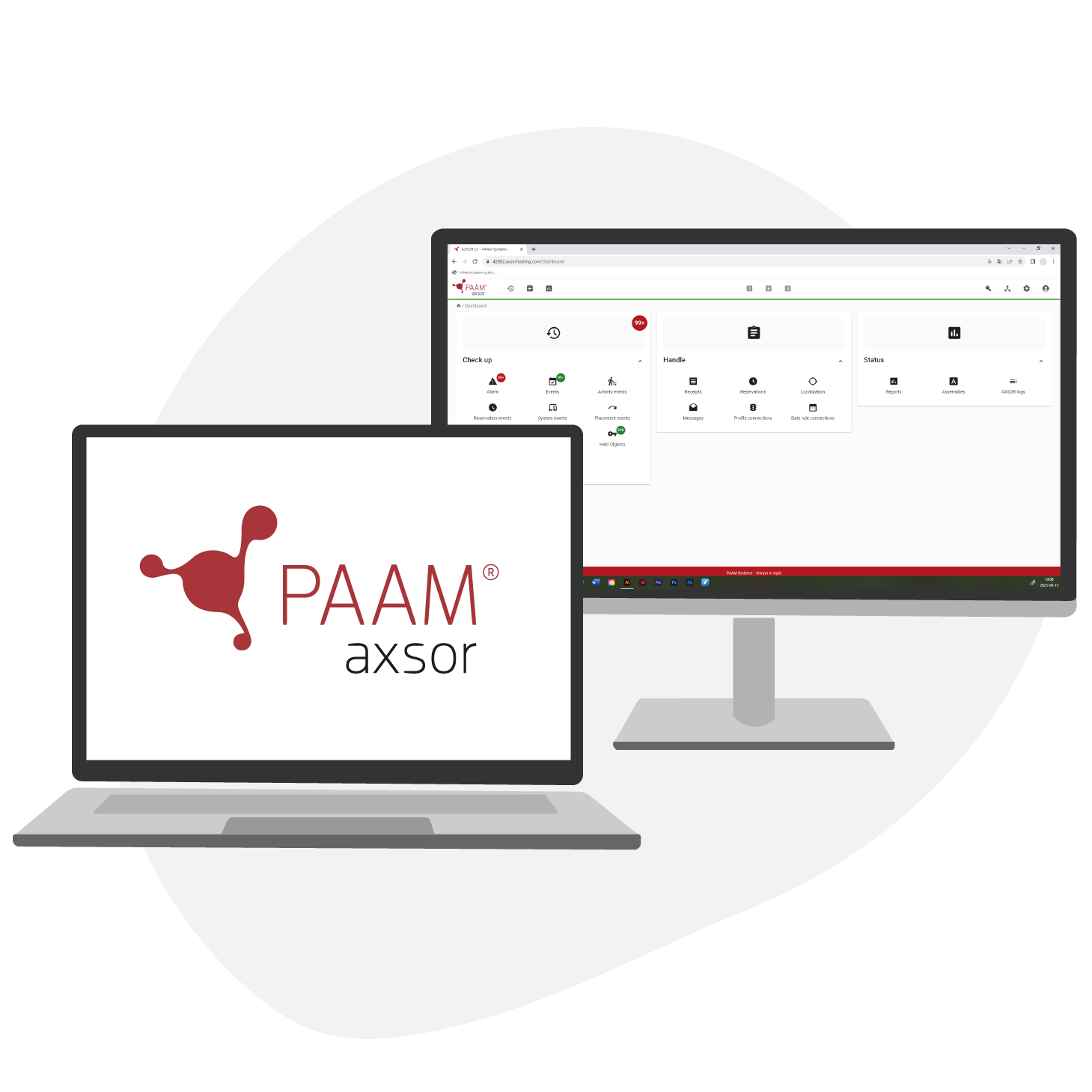
AXSOR is a platform that helps you manage and monitor your keys, so you can feel at ease.
Adapt AXSOR to your business specific needs. The possibilities are endless.
Unlimited access
Use the system to the fullest
- Unlimited functions
- Unlimited number of objects registered
- Unlimited number of administrators
- Unlimited EAGLE Assemblies connected
Automate
Make everything easier
- Automatic check-up with notifications
- Automatic reminders of late return
- Reminders to perform activities
- System shows which keys to take for rounds
Monitor everything
Have full control and get real time updates
- See withdrawls
- See and reset alarms
- Handle reciepts
- See status overviews
Why PAAM
Creating systems for users
- Full package deal with AXSOR and EAGLE
- User-friendly interfaces
- Adapt functions to suit your operation
- Hosted installation for smooth use and access


AXSOR installation
AXSOR is installed on several servers. PAAM offers to host your installation, making everything seamless and easy. The servers are placed within UK, so you don’t have to worry about information leaving the country.
FAQ
Does AXSOR require client installations for PC?
There is no need to install anything else besides a web browser.
Everything is managed in the web browser. This means that there is no need for updates on a single PC to manage the system.
If a signing pad should be used there is a need to install drivers for that specific device. However, all other readers that are possible to use with AXSOR do not need any drivers to be installed.
Which web browsers can I use?
The two latest versions of the most common web browsers are possible to use for AXSOR:
- Chrome
- Firefox
- Edge
- Opera
What happens if the network is down?
Communication between AXSOR and EAGLE is no longer possible. AXSOR will indicate that the network is down.
Registrations and changes that are made in AXSOR are stored and will be sent out when the network is working again. All things that happens in EAGLE are stored locally until the network is up and running and the data is sent to AXSOR.
What happens if there is a power failure?
EAGLE is powered via an UPS with battery back-up. The power failure is of course indicated with an alarm so it is possible to discover as soon as it happens.
Guiding examples for database

Below are some guiding examples for the database and web server specifications recommended for AXSOR. These numbers are guidelines.
To properly balance the system environment, it is recommended to inspect the workload on the servers over time. The system will start to drop in performance if the specifications are substandard compared to the load, which can affect the speed of the system. Or, you can let us host the system for you.
- Level 1
- Level 2
- Level 3
Customers with 1-5 EAGLE assemblies or up to 3000 objects in AXSOR.
| Area | Windows | Linux |
|---|---|---|
| Processor | 2.3 Ghz (2 cores) | 2.3 Ghz (2 cores) |
| Internal memory | 4 GB | 4 GB |
| Database server | MS SQL 2014-new | MySQL 8.0.27-new |
| Storage database | min 25 GB | min 25 GB |
Customers with 40 to 100 EAGLE assemblies or up to 40 000 objects in AXSOR
| Area | Windows | Linux |
|---|---|---|
| Processor | 2.3 Ghz (6 cores) | 2.3 Ghz (6 cores) |
| Internal memory | 16 GB | 16 GB |
| Database server | MS SQL 2014-new | MySQL 8.0.27-new |
| Storage database | min 270 GB | min 270 GB |
Customers with over 150 EAGLE assemblies or more than 100 000 objects in AXSOR.
| Area | Windows | Linux |
|---|---|---|
| Processor | 2.3 Ghz (8 cores) | 2.3 Ghz (8 cores) |
| Internal memory | 32 GB | 32 GB |
| Database server | MS SQL 2014-new | MySQL 8.0.27-new |
| Storage database | min 1012 GB | min 1012 GB |
The PAAM key
management guide
In the PAAM key management guide we have gathered crucial information for you, what to consider, and how to approach a project to minimise risks and costs.
Fill in the form and you will receive a copy of the key managment guide for free.


We are digitalising the use of physical keys, so that the real everyday heroes can focus on their mission.


CUSTOMER ASSISTANCE
- +44 1174 865082
Office hours 8:00 AM – 5:00 PM
USEFUL LINKS
CONTACT US
- PAAM Systems AB - registered as AXSOR EAGLE UK LTD